Captive Portal Model and WispHive OAuth Fit
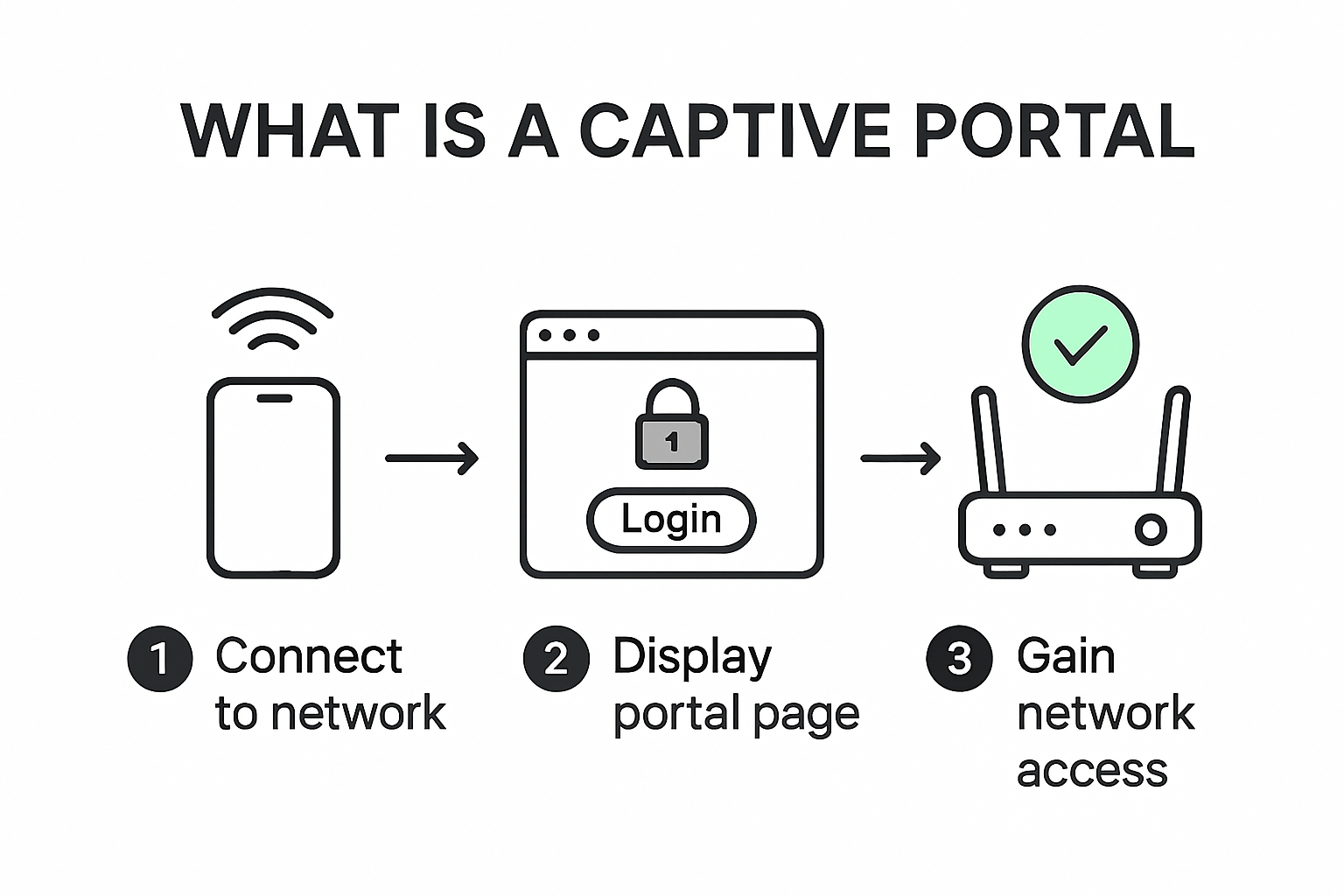
A captive portal is a network access control mechanism that intercepts unauthenticated users and redirects them to a login or terms page before granting internet access.
What a captive portal does
- Intercepts initial web requests from devices connected to a hotspot or managed network.
- Redirects the browser to an authentication or acceptance page.
- Validates identity and session policy.
- Releases full network access after successful authorization.
In WispHive deployments, the captive portal itself is hosted locally on the client's own network gateway.
Standard captive portal flow
sequenceDiagram
    participant Device as User Device
    participant AP as Access Point / Gateway
    participant CP as Captive Portal
    participant AAA as AAA System
    participant Internet as Internet

    Device->>AP: Connect to SSID
    Device->>Internet: Initial request
    AP->>CP: Redirect unauthenticated traffic
    CP->>Device: Show login page
    Device->>CP: Submit credentials / start OAuth
    CP->>AAA: Validate auth result
    AAA-->>CP: Access-accept + session policy
    CP-->>AP: Authorize device session
    Device->>Internet: Access granted
How WispHive OAuth services fit
WispHive sits at the identity boundary between your captive portal and OAuth providers. This lets you standardize authentication contracts across SMEs, ISPs, and education tenants while preserving privacy and tenant isolation.
Integration sequence for OAuth customers
Required order:
- Configure OAuth provider and create your WispHive integration (hosted or AAA handoff).
- Validate callback URLs, tokens, and redirect behavior.
- Point your captive portal at the returned WispHive login and callback URLs.
Mode 1: Hosted OAuth by WispHive
- Your captive portal redirects users to a WispHive
hosted_login_url. - WispHive handles OAuth browser choreography and callback handling.
- WispHive issues a short-lived redirect URL for controlled return.
Use this when you want faster rollout and centralized OAuth flow management.
Mode 2: AAA handoff by your domain
- Your login domain handles OAuth directly with your provider.
- Your backend posts to WispHive callback URL with derived identifiers only.
- WispHive validates idempotency and issues a short-lived redirect URL.
Use this when your security team requires direct control of login pages and identity provider sessions.
Privacy and identity boundaries
WispHive callback contract for AAA handoff requires:
useridas UUIDderived_usernamederived_emailuser_session_idIdempotency-Key
WispHive callback contract explicitly rejects direct PII fields in payloads, including:
emaildisplay_nameprovider_subject
This keeps PII processing in your domain while still giving WispHive stable identifiers for session orchestration.
Operational mapping for network teams
- Captive Portal Team: controls splash/login page UX and redirect wiring.
- Identity Team: controls OAuth provider apps and client credentials.
- WispHive Integration Team: controls callback contracts, short-lived redirect handoff, and API key governance.
For implementation details, continue with Production OAuth Flows and API Implementation Examples.